Dogechain Wallet Download
Download Dogechain Wallet v1.0.0 and start using DOGE on your desktop in minutes. This guide walks through installation, wallet creation, and your first transaction.
Installation
Windows: Download the .exe installer. Run it and follow the setup wizard. The application installs to your Program Files directory.
macOS: Download the .dmg file. Open it and drag Dogechain Wallet to your Applications folder. On first launch, you may need to right-click and select Open to bypass Gatekeeper.
Linux: Download the .zip archive. Extract to your preferred directory. Run the dogechain-wallet executable from the terminal or file manager.
First Launch
When you launch Dogechain Wallet for the first time, you have two options:
Create New Wallet: Generates a new Dogecoin address and seed phrase. Write down the 12-word seed phrase immediately and store it securely offline. This is your only backup — Dogechain Wallet cannot recover it if lost.
Restore Wallet: Enter an existing BIP-39 seed phrase to restore a previous wallet. Dogechain Wallet will sync via SPV and scan for your addresses and transaction history.
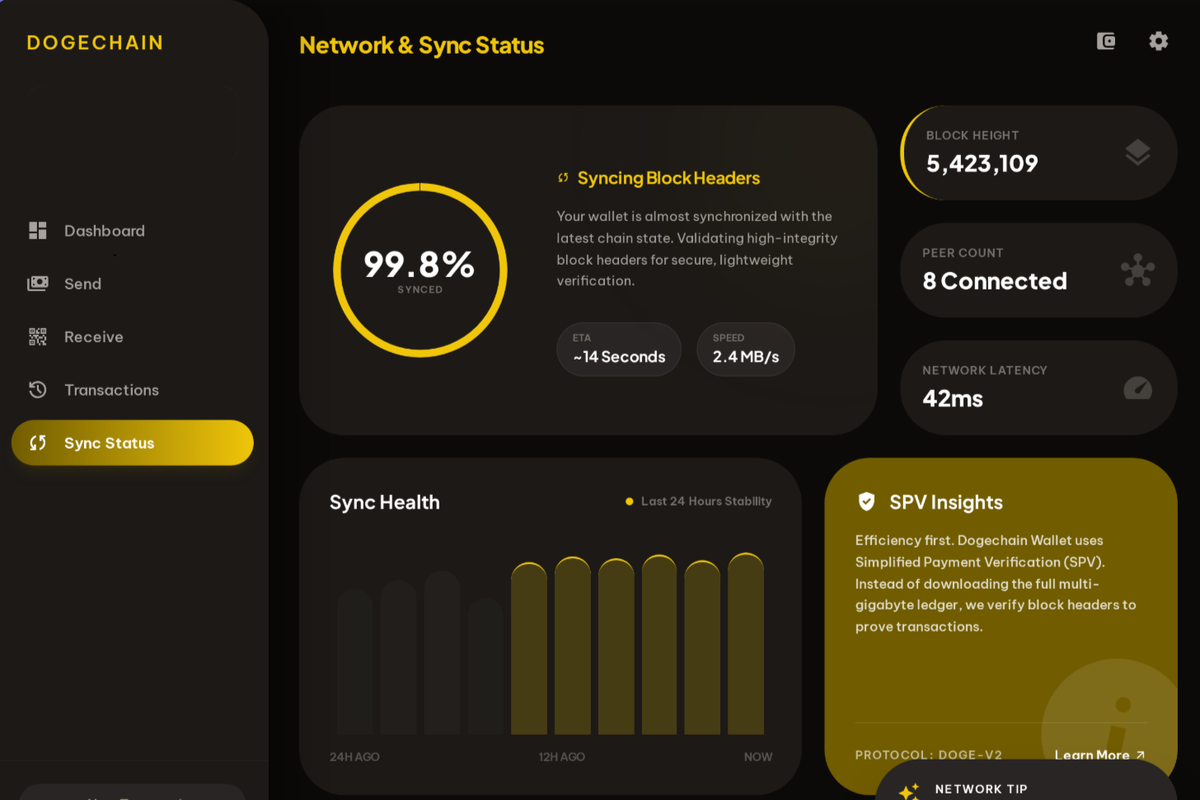
After wallet creation or restoration, SPV sync begins automatically. Block headers download in minutes. Once sync completes, your wallet is ready to send, receive, and swap DOGE.
After Installation
Once installed, launch Dogechain Wallet and choose 'Create New Wallet' to generate a fresh address and 12-word seed phrase, or 'Restore Wallet' to recover an existing BIP-39 wallet. SPV sync begins automatically and completes in minutes.
Dogechain Wallet is published at dogechain.dev. The wallet is non-custodial — your seed phrase stays on your device and is never requested by the application or website.