How to Recover a Dogecoin Wallet
Lost access to your Dogecoin? Recovery depends on what you have — a seed phrase, private key, wallet.dat file, or dogechain.info wallet ID. This guide covers every scenario with step-by-step instructions.
Recovery by Wallet Type
Recovery methods differ by wallet. Dogecoin Core stores keys in a wallet.dat file using Berkeley DB format. If you have the file and remember the encryption password, import it into a fresh Dogecoin Core installation. If you forgot the password, tools like Hashcat and BTC Recover can attempt brute-force recovery — this works best when you have partial password knowledge.
MultiDoge stored keys in .wallet or .key files. The GitHub repository was archived in October 2024 and the software is no longer maintained. If you can still launch MultiDoge, export your private keys immediately. If MultiDoge will not open, the wallet file may be corrupted — professional recovery services can sometimes extract keys from corrupted files.
Doughwallet (iOS) used a non-standard derivation path. Even with the correct 12-word seed phrase, importing into a standard BIP-39 wallet will generate different addresses. Professional recovery services with experience in Doughwallet's specific derivation are typically required.
Dogechain.info Recovery
Dogechain.info was a custodial web wallet that shut down in July 2024. The company set a December 31, 2024 deadline for users to download encrypted private keys using the Wallet Backup feature. That deadline has passed.
Dogecoin developer Mishaboar confirmed in February 2025 that the company is no longer able to assist with recovery. If you exported your encrypted backup before the deadline, you can decrypt it using the password you set when creating the account. If you did not export before the deadline, recovery through dogechain.info is no longer possible.
The dogechain.com domain is a separate entity from dogechain.info. The original dogechain.info site is no longer operational, and no third-party website can provide legitimate account recovery. Private keys and seed phrases should only be entered in verified wallet applications installed on your device.
Seed Phrase Recovery (BIP-39)
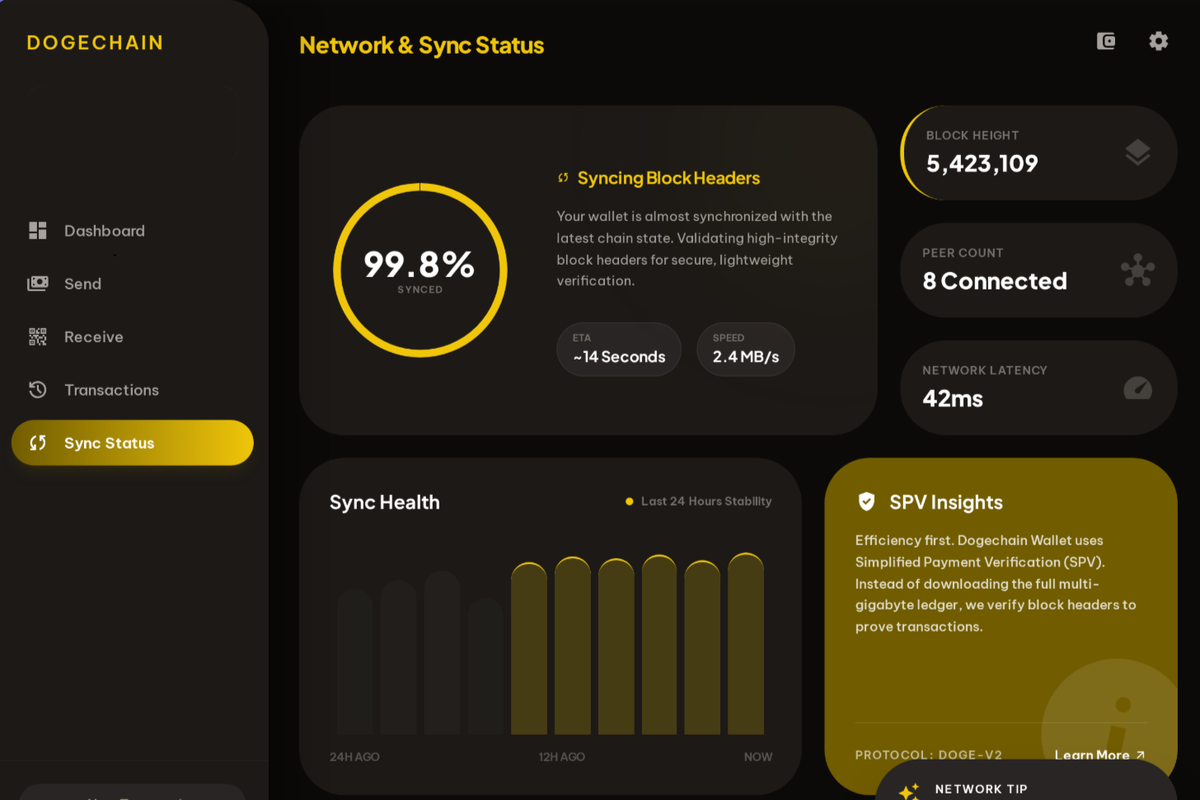
If your previous wallet used a standard BIP-39 seed phrase (12 or 24 words), you can restore access in any compatible wallet application. Download Dogechain Wallet, select 'Restore Wallet,' and enter your seed phrase. Your addresses and balances will be recovered automatically after SPV sync completes.
Critical: Never enter your seed phrase on a website. Legitimate wallet software runs locally on your device. Any website asking for your seed phrase is a scam.
When to Use Professional Recovery
Professional recovery services are appropriate when you have a wallet file but have forgotten the password, when wallet software is corrupted and will not launch, or when you have a partial seed phrase. Reputable services include ReWallet, KeychainX, and Cryptorecovers.
Be cautious: legitimate recovery services will never ask you to send funds first, never ask for your complete seed phrase via email or chat, and typically work on a success-fee basis (commonly 20% of recovered funds). Anyone guaranteeing recovery or asking for upfront payment is likely a scam.