Dogecoin Wallet for Mac
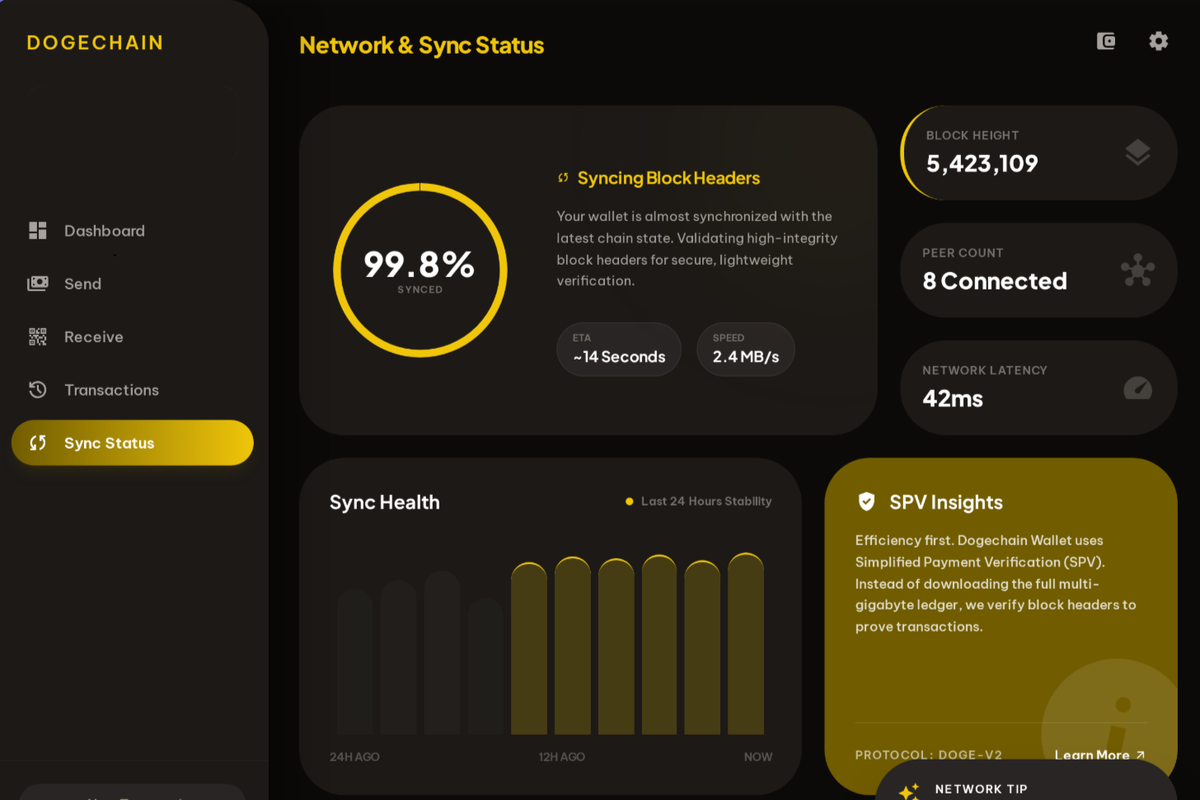
A native macOS Dogecoin wallet that runs on Apple Silicon and Intel, syncs in minutes via SPV, and includes a built-in swap. Signed and notarized .dmg, available for free.
Why a Mac-Native DOGE Wallet Matters
For years, the only Dogecoin desktop options on macOS were Dogecoin Core (full node, 150+ GB download) or MultiDoge — which crashes on Apple Silicon and was archived in October 2024. Mac users who wanted a lightweight DOGE wallet were left with web wallets or browser extensions.
Dogechain Wallet ships as a signed and notarized macOS application that runs natively on M-series chips and on Intel Macs. No Rosetta workaround. No abandoned codebase.
Installing on macOS
Step 1: Download the .dmg from the download page.
Step 2: Open the .dmg and drag Dogechain Wallet to your Applications folder.
Step 3: Launch from Applications. macOS Gatekeeper will recognize the notarized signature.
Step 4: Create a new wallet or restore from a BIP-39 seed phrase. SPV sync completes in minutes.
What You Get on Mac
The macOS build includes every feature of Dogechain Wallet: SPV sync, the built-in ChangeNOW swap supporting 1,500+ assets, BIP-39 seed phrase backup and recovery, and full non-custodial key management. Your private keys are generated and stored on your Mac and never transmitted to any server.