Dogecoin Wallet for Windows
A native Dogecoin desktop wallet for Windows 10 and 11. SPV sync, built-in swap for 1,500+ assets, BIP-39 backup, and a code-signed installer — under 100 MB on disk.
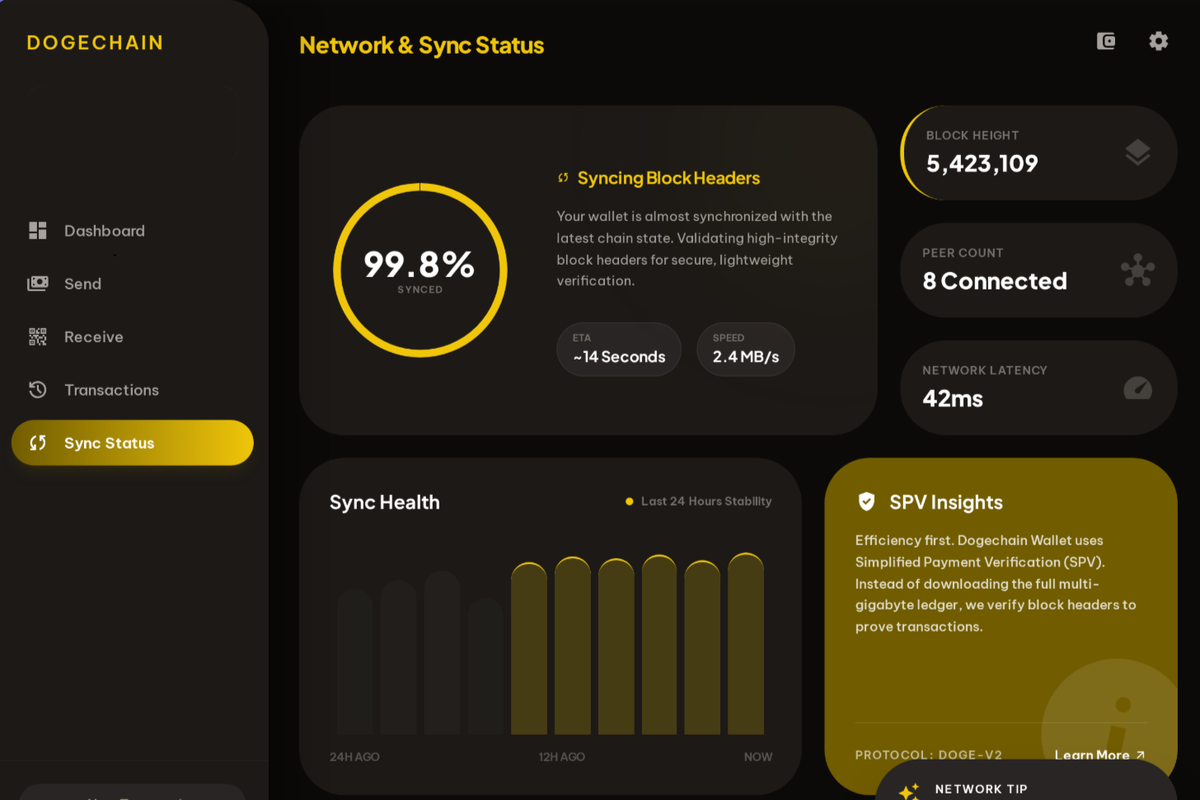
Lightweight Where Dogecoin Core Is Heavy
Dogecoin Core on Windows is a fully validating node. It synchronizes the entire Dogecoin blockchain — currently 150+ GB — and continues to grow over time. For users who only want to send, receive, hold, or swap DOGE, that's far more infrastructure than the use case requires.
Dogechain Wallet uses SPV to verify transactions through block headers only. The first sync completes in minutes, and routine launches reconnect in seconds.
Installing on Windows
Step 1: Download the Windows installer (.exe) from the download page.
Step 2: Run the installer. SmartScreen recognizes the code signature.
Step 3: Launch Dogechain Wallet from the Start menu.
Step 4: Create a new wallet or restore from a BIP-39 seed phrase.
Same Features Across Platforms
The Windows build includes everything: SPV sync, the ChangeNOW-powered swap, BIP-39 seed phrase backup and recovery, and non-custodial key management. Your private keys are generated and stored on your Windows machine — never on a server.